前提情報
Godot4.5.1でテストしている。
やりたいこと
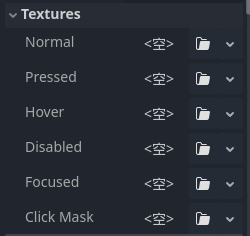
GodotのTextureButtonノードではボタンにクリック判定を持たせるためのClickMaskという項目がある。
これはビットマップ形式(.res)で読み込む必要があるため、それをPNG画像のアルファ情報を元に作成したい。
変換方法
変換を行うにあたり以下のスクリプトを作成した。
CreateClickMask.gd
@tool
extends EditorScript

func _run() -> void:
    var selected_paths := EditorInterface.get_selected_paths()
    if selected_paths.is_empty():
        printerr("FileSystem で PNG を選択してから実行してください。")
        return

    for path in selected_paths:
        if not (path.ends_with(".png") and FileAccess.file_exists(path)):
            continue

        var tex := load(path) as Texture2D
        if tex == null:
            printerr("Texture2D として読み込めませんでした: %s" % path)
            continue

        var img := tex.get_image()
        # 圧縮などで画像データが取れない場合のガード
        if img.is_empty():
            printerr("Image が空です(Import設定を確認してください): %s" % path)
            continue

        var bm := BitMap.new()
        # 第2引数でしきい値を指定可能 (デフォルト0.1)
        bm.create_from_image_alpha(img)

        # .tresだとサイズが肥大化するため .res (バイナリ) 推奨
        var destination := path.get_basename() + "_click_mask.res"

        var err := ResourceSaver.save(bm, destination)
        if err == OK:
            print("OK: %s -> %s" % [path, destination])
        else:
            printerr("保存失敗: %s (%s)" % [destination, error_string(err)])

    # FileSystemドックを更新して、生成されたファイルを即座に表示させる
    EditorInterface.get_resource_filesystem().scan()
使い方
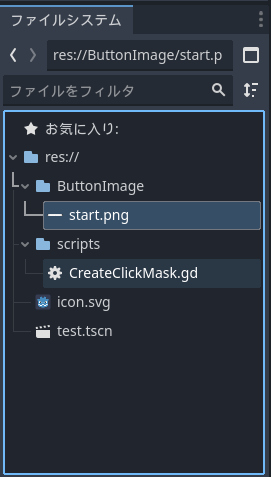
1.スクリプトをエディタで開いてFileSystem上で処理したい画像を選択
複数選択可能
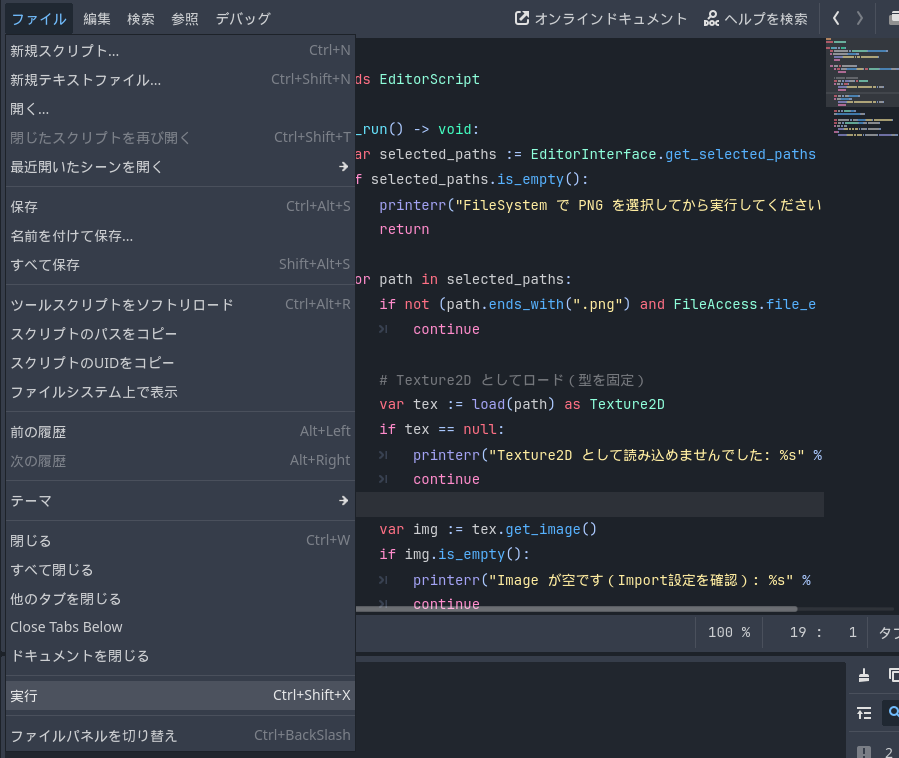
2.エディタ上部のファイル>実行
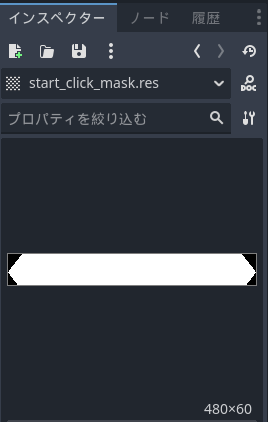
3.resファイルが生成される
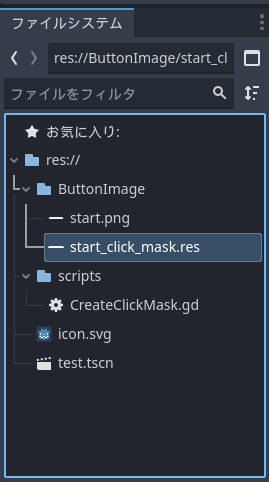
生成されたresファイルをClickMaskにDDすると機能するようになる。
第二引数でアルファ情報の閾値を渡すことができる。
エラーが出る場合は、画像のインポート設定で『High Quality』などを選んで再インポートしてほしい。
参考
Godot Engine 4.5 documentation TextureButton
https://docs.godotengine.org/en/stable/classes/class_texturebutton.html
Create Click Mask In Godot
https://www.vojtechstruhar.com/blog/043-create-click-mask-in-godot